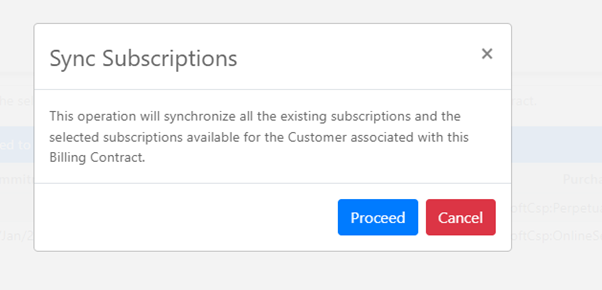
The Sync Subscriptions feature allows Work 365 users to synchronize all the existing subscriptions and the selected new subscriptions to merge in the associated Billing Contract.
- Subscriptions will have to be added to Billing Contracts manually going forward and won’t be synced automatically.
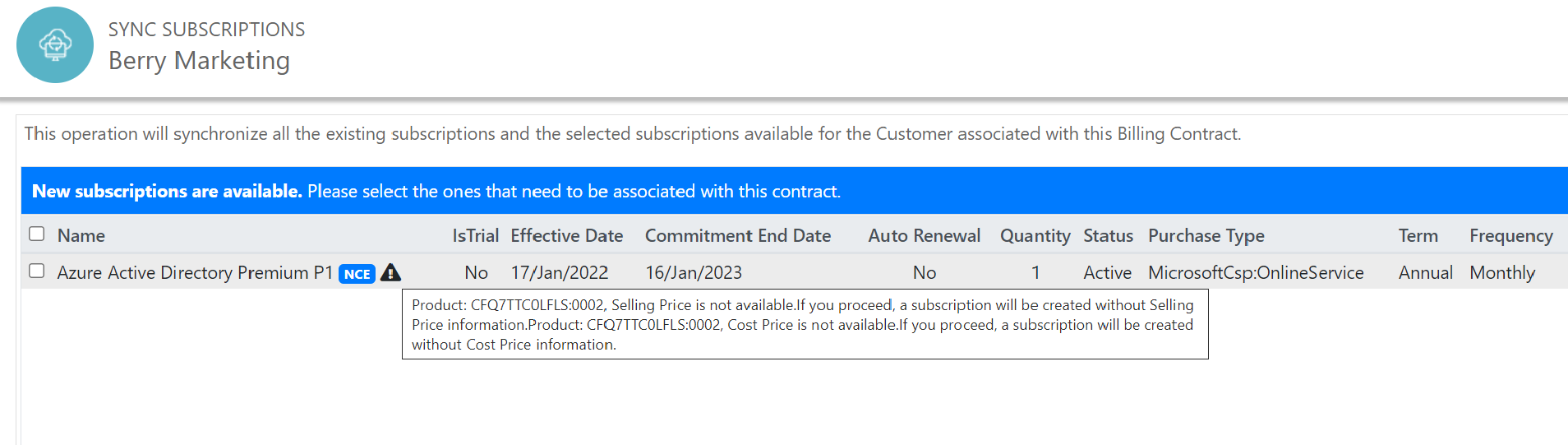
- Work 365 users can now see the new NCE subscriptions in the ‘Sync Subscription’ popup.
- Changes to subscriptions that are synced in Work 365 will come through like earlier
- It will link the product and will set the cost price and selling price when the subscription syncs.
Navigation: Subscription Management ➤ Billing Contracts ➤ Work 365 Dropdown ➤ Sync Subscriptions

This list contains all new subscriptions associated with the billing contract.
The user has the flexibility to choose the subscriptions which he /she would like to merge with the particular ‘Billing Contract’ via the checkboxes
Please note that the Sync Subscription UI will reflect only new subscriptions but will sync the subscription updates as earlier.

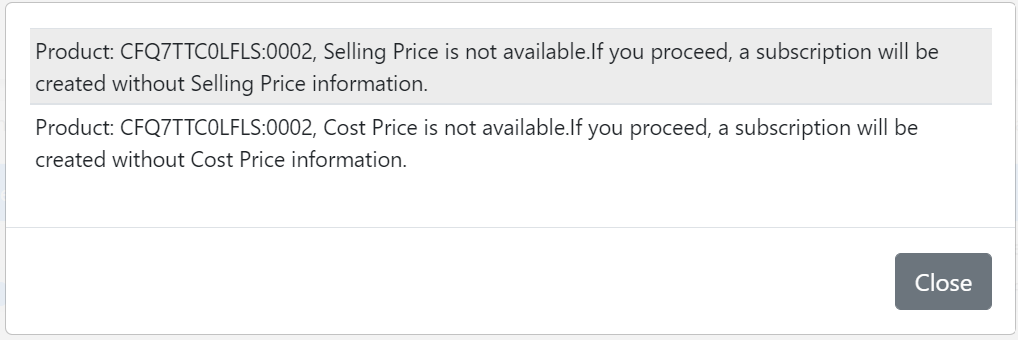
The view shows which product does not have a Cost Price(CP) or Selling Price(SP).