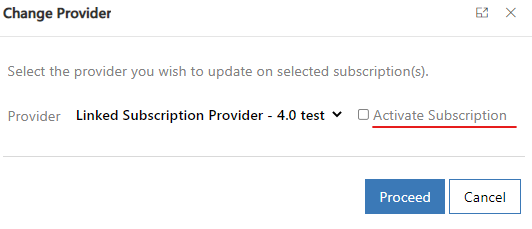
Work 365 users can now change the Providers for the Inactive Subscriptions and activate them via the new button called “Change Provider” available on the Ribbon of the Inactive Subscriptions.

The new button is available in the list view as well.
If the selected subscription has active and Inactive Subscriptions then Work 365 users will get a warning message that this operation will update the providers on those subscriptions.

Subscriptions can be activated by the checkbox available on the right side of the popup.