

- Fixed Provider Invoice Sync issue
- Issue #8240
Description: Work 365 users whose “Condense Usage Summary” setting was set to ON were unable to sync provider invoices and were receiving the error “Sequence contains no matching element”.
This issue has now been fixed and users should be able to sync the provider invoices.
Note: “Condense Usage Summary” setting is relevant for users not on the Advanced Azure (AA) plan. Partners who have the Advance Azure plan enabled should turn this setting off. We will be making this setting irrelevant for AA users in a future update. Read more about Advance Azure
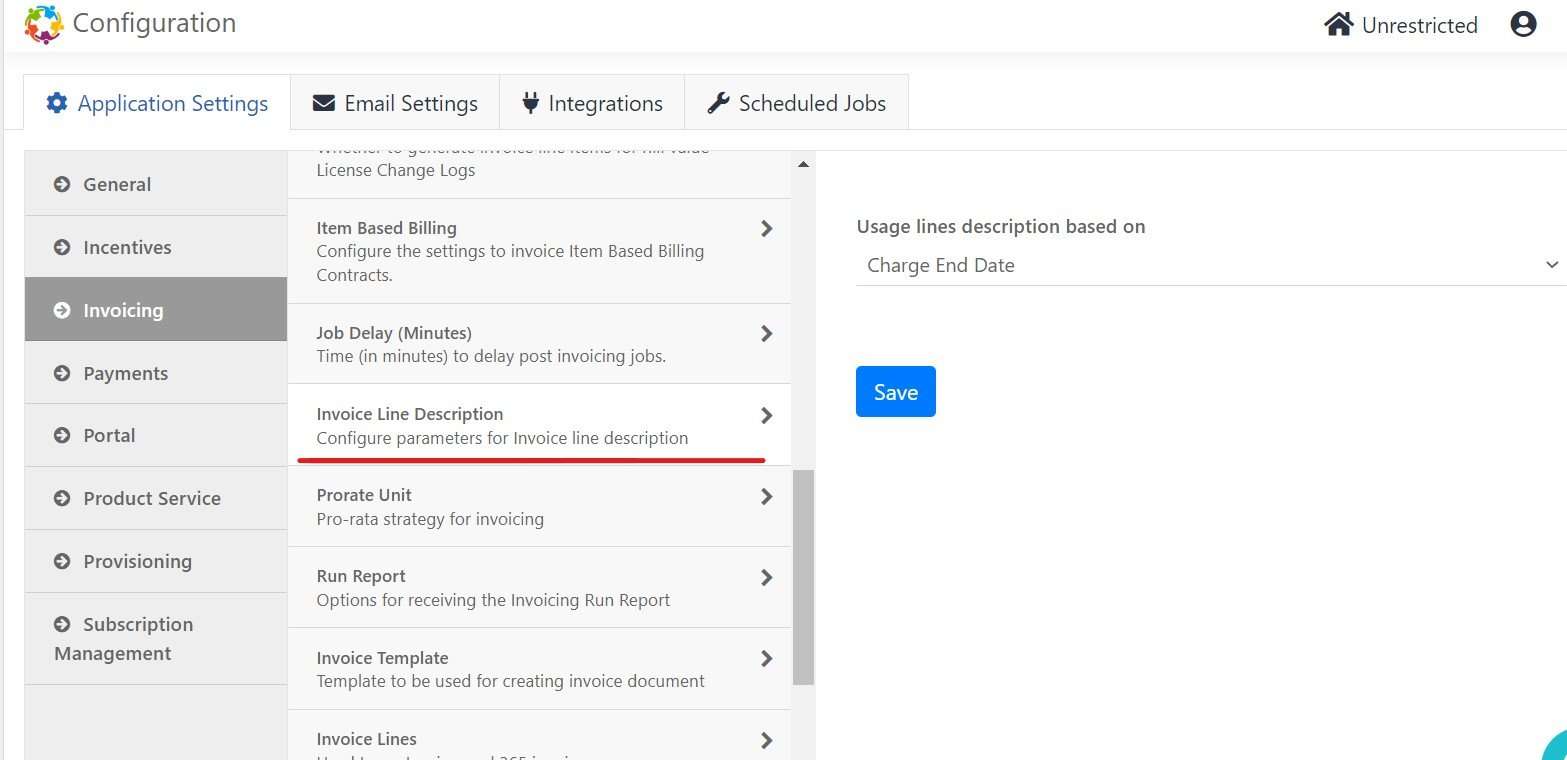
- Fixed issue for the setting “Invoice Line description”
- Issue #7315
Description: The invoice Line Description setting was not working as expected for the Charge End date setting.
Usage line description based on Charge End date was showing Billing cycle end line description as well.
Expected behavior: Whenever Charge End Date is selected, the description should only show Charge End Date for Azure on the invoice. And Billing Cycle End should show Uninvoiced Usage Until for Azure on the invoice.
This issue is now fixed. The setting is now working as expected.
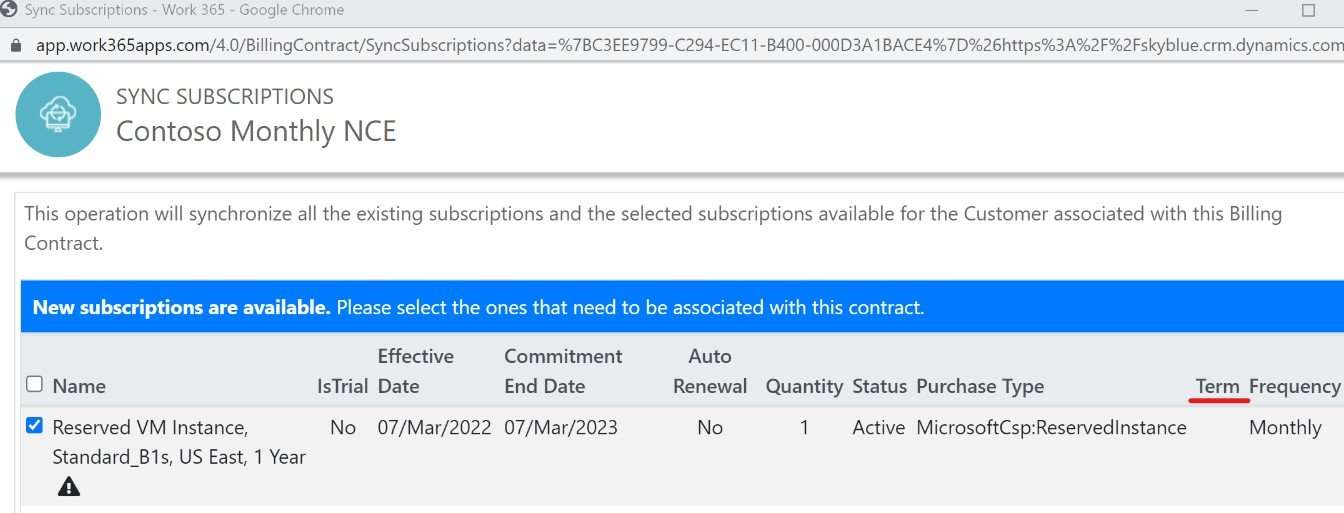
- Term not showing up for the Reserved Instances
- Issue #7312
Description: The term for the Reserved Instances was not showing on the Sync Subscription popup page.
This issue is now fixed.
- Issue #8103
Description: The subscription Pricing page in product service was not loading and showing refused to connect error
This issue is now fixed
If the issue persists, please contact Work 365 support or join Office hours

